Lesson-Card Packages (Admin)
📍 Find this in the app: Admin Panel → Stables → Events → Lessons segment (
/admin/stables/events)
Members pay for lessons by purchasing credit packages - also called lesson cards. Each package grants a fixed number of lesson credits that are deducted one by one as the member books.
Packages are defined by the admin so each stable can set its own pricing and bundle sizes.
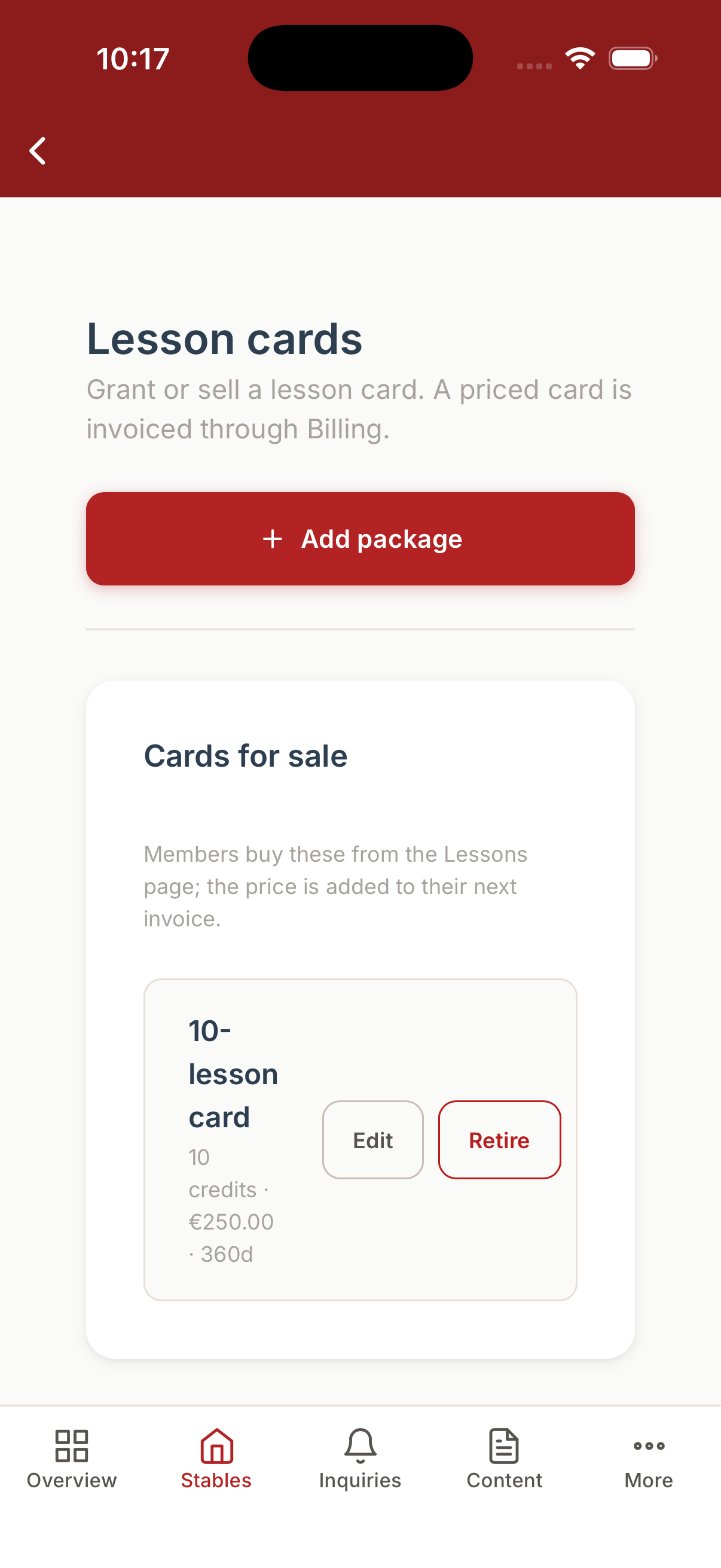
1. Creating a Package
Go to Events → Lessons → Card Packages and click Add Package.
- Label: A friendly name shown to members (e.g., "10-Ride Card", "Single Lesson").
- Credits: How many lesson bookings this package covers.
- Price (cents): The total price of the package. Enter in cents - e.g.
15000for €150.00. - VAT Rate: The applicable VAT percentage (e.g.,
21for 21%).
Click Save. The package immediately becomes available for members to purchase.
2. How Billing Works
Lesson-card purchases are not charged immediately. When a member buys a package:
- Their credit balance is topped up instantly.
- A billable line item (category: Training) is added to the current billing period.
- The charge appears on their next monthly invoice - the same invoice that covers boarding, extra services, etc.
This keeps all stable charges on one invoice per month and requires no separate payment gateway.
3. Updating or Removing a Package
Click on any package to edit its label, credit count, or price. Changes apply to future purchases only - existing purchased cards keep the credits already granted.
To stop offering a package, delete it. Members who already bought it keep their remaining credits.
4. Monitoring Member Balances
In the member's profile or in the Lessons roster you can see how many credits a member currently has. Credits are stored per card (FIFO - oldest card is spent first) and each deduction or refund is recorded in an immutable ledger, so you always have a full audit trail.