Inquiries
📍 Find this in the app: Admin Panel → Inquiries (
/admin/inquiries)
Every message a stranger sends you through the public website — a question about a horse for sale, or (if you use it) a request to breed with one of your stallions — lands in one place: the Inquiries hub. You no longer have to check two different screens.
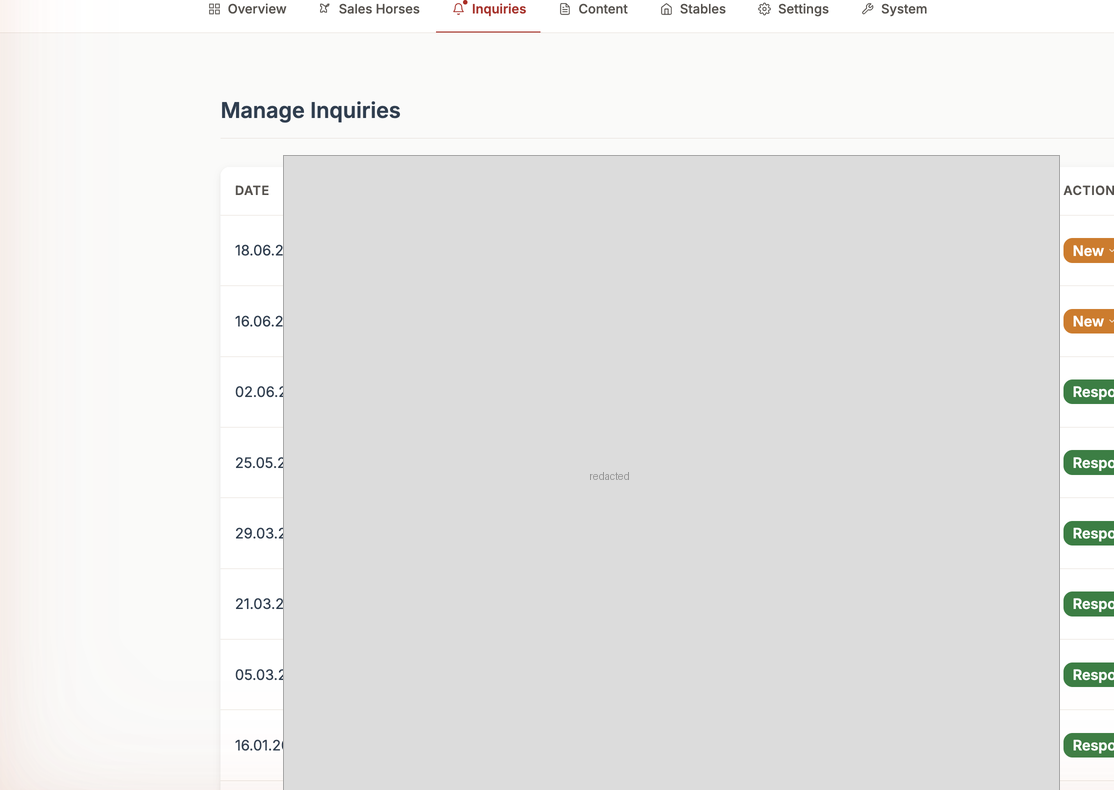
Two kinds of inquiry, one screen
At the top of the page, a switch lets you flip between:
- General Inquiries: Questions sent from a horse-for-sale listing, a contact form, or another public page.
- Stallion Inquiries: Breeding/insemination appointment requests sent from a stallion's public profile (only shown if you use the Breeding module) — see Insemination Inquiries for how a mare owner's request reaches you.
1. Receiving an Inquiry (Create)
You don't create these yourself — a visitor to your public website submits them by filling in a form on a horse or stallion page. The moment they hit "Send", it appears in your Inquiries hub, and your admin dashboard's "At a glance" summary picks it up too.
2. Reading an Inquiry (Read)
Click any row to open it and read the visitor's message, their contact details, and which horse or stallion they're asking about.
A shortcut from the dashboard: if you open an inquiry preview from the main Admin Overview, it jumps straight into this hub and automatically opens that exact message for you — no need to hunt for it in the list.
3. Responding to an Inquiry (Update)
Open the inquiry and use the reply option to contact the sender back (by email or phone, using the details they gave you). You can also mark an inquiry's status as you work through it, so you always know at a glance which ones are still waiting on you.
4. Removing an Inquiry (Delete)
Once you're done with an inquiry (an old lead, a duplicate, or something not relevant), open it and delete it. This only removes it from your admin view — it has no effect on the person who sent it.