Announcements & Push Notifications
📍 Find this in the app: Admin Panel → Stables → Communication (
/admin/stables/communication) · Member Portal → Announcements (/members/announcements)
The Announcements system lets admins communicate stable-wide updates to all members, with push notifications delivered automatically each morning.
1. Writing an Announcement (Create)
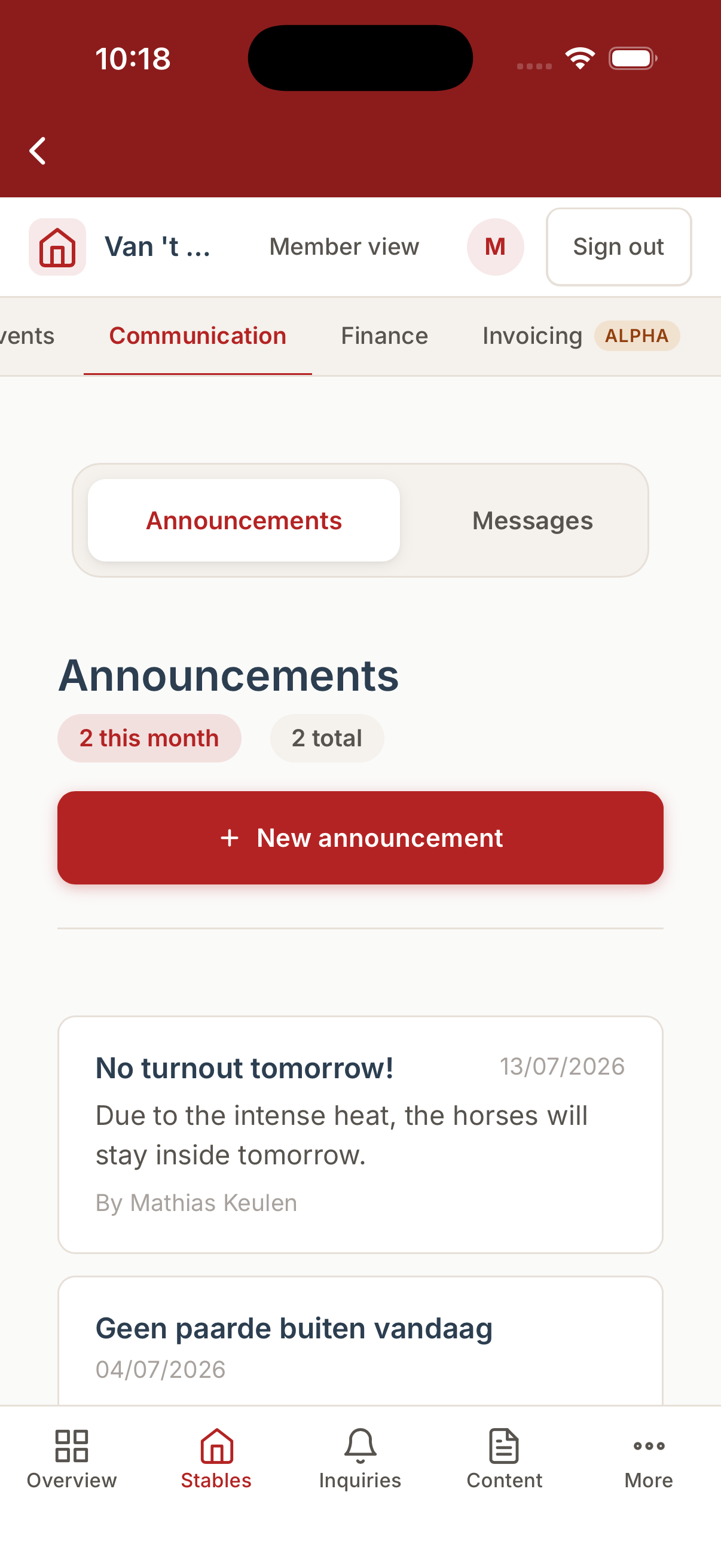
Admins compose announcements at Admin → Communication → Announcements. Open the Communication tab and pick the Announcements sub-tab.
The Announcements tab in the native mobile app:
Fields you will fill out:
- Title: A short subject line members will see in the notification.
- Body: The full message - include any relevant details like schedule changes, rules, or upcoming events.
Rate limit: Each stable can publish a maximum of 1 announcement per day. The system will block a second submission and prompt you to edit the existing one for the day.
Once saved, the announcement is immediately visible on the member feed at My Stable → Announcements.
2. Viewing Announcements (Read)
Members see all announcements from their stable in chronological order under My Stable → Announcements. The page shows the full text of each post so members read the complete update there rather than in the notification.
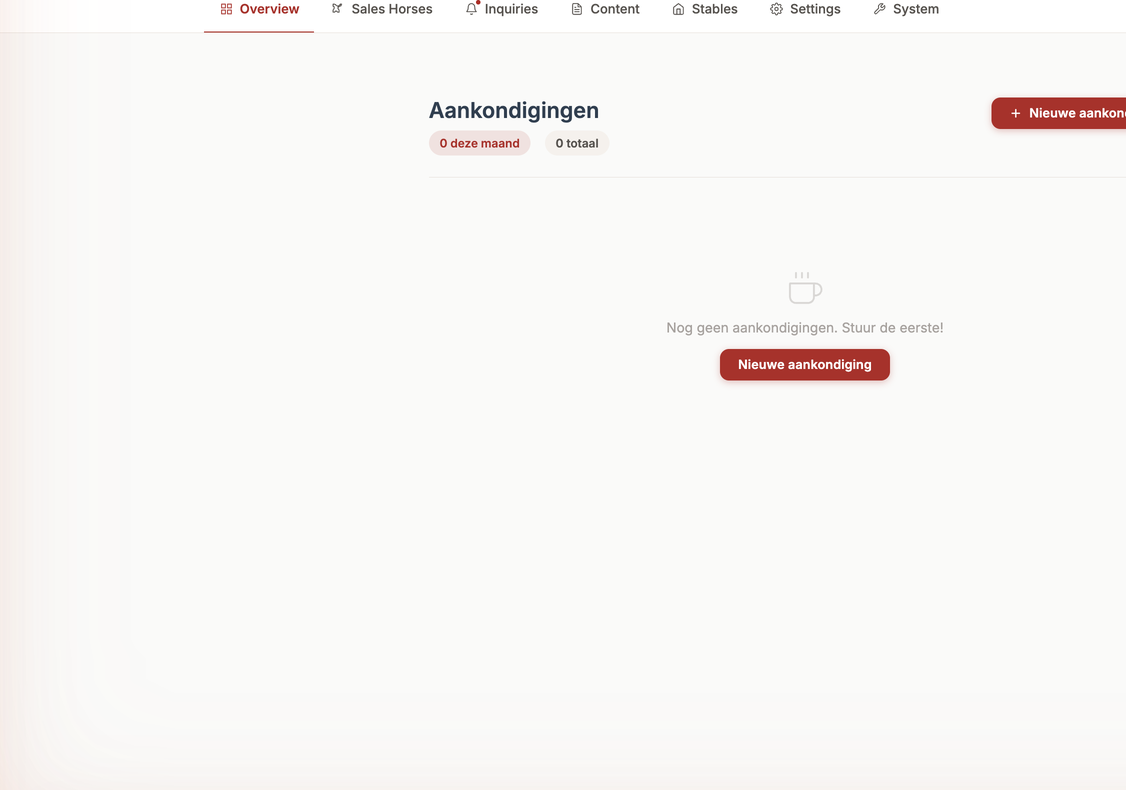
Admins can review all past announcements in the admin panel, including their publish dates.
3. Editing or Deleting an Announcement (Update / Delete)
If you published an announcement with a typo or need to remove an outdated notice, open it from the admin list, make your edits, and save. You can also delete an announcement entirely; it will disappear from the member feed immediately.
Push Notifications
The system sends daily push notifications automatically - no manual action required after publishing an announcement.
Member digest (08:00 AM)
Each morning, members receive a single push notification summarising any new announcements posted in the last 24 hours. The notification is badge-only; members open the app to read the full content.
Admin digest (07:00 AM)
Each morning, admins receive a consolidated digest covering:
- New member messages awaiting a reply
- Open maintenance requests
- New boarding or sales inquiries
- Export certificate renewals approaching their expiry date
- Foaling alerts
Like the member notification, this is a single push per admin per day - all items are bundled together to keep noise low.
Enabling push notifications
Members and admins must allow notifications on their device the first time the app prompts them. If a user ever revokes permission, they can re-enable it in their phone's Settings → Equidentity.