Member Messages
📍 Find this in the app: Admin Panel → Stables → Communication (
/admin/stables/communication) · Member Portal → Messages (/members/messages)
While Announcements broadcast one message to everyone, Messages are a private, two-way channel between a single member and the stable's admins - the place for questions, requests, or anything that doesn't belong on the public feed.
1. Sending a Message (Member)
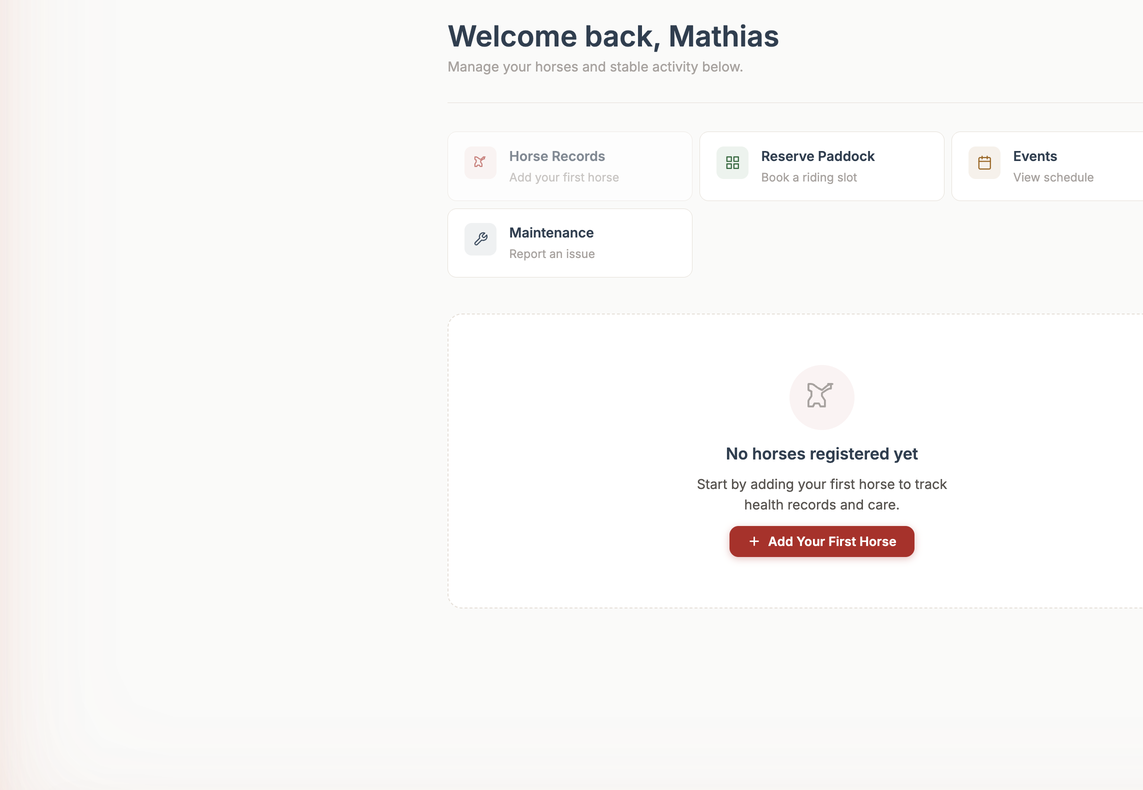
Members open My Stable → Messages, type their message, and send it. There's no need to know an email address - the message goes straight to the stable's admin team.
2. Reading & Replying (Admin)
Admins find member messages at Admin → Communication → Messages. Open the Communication tab and pick the Messages sub-tab.
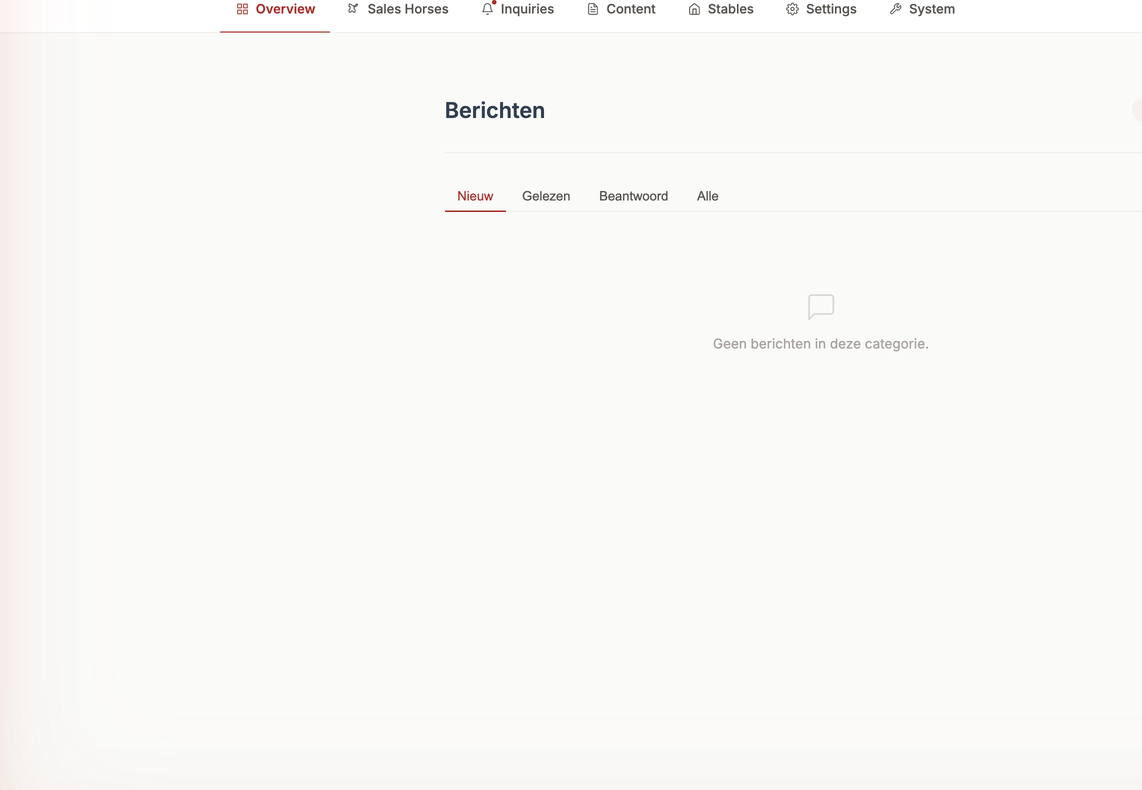
Open any conversation to read the member's message and reply directly. Your reply appears in that member's thread, so the whole exchange stays in one place.
3. Staying on Top of Messages
You don't have to keep the inbox open all day. The number of member messages awaiting a reply is bundled into the daily admin digest (07:00 AM) - together with inquiries, maintenance requests, and foaling alerts - so you can see at a glance whether someone is waiting to hear back.