Service Catalog
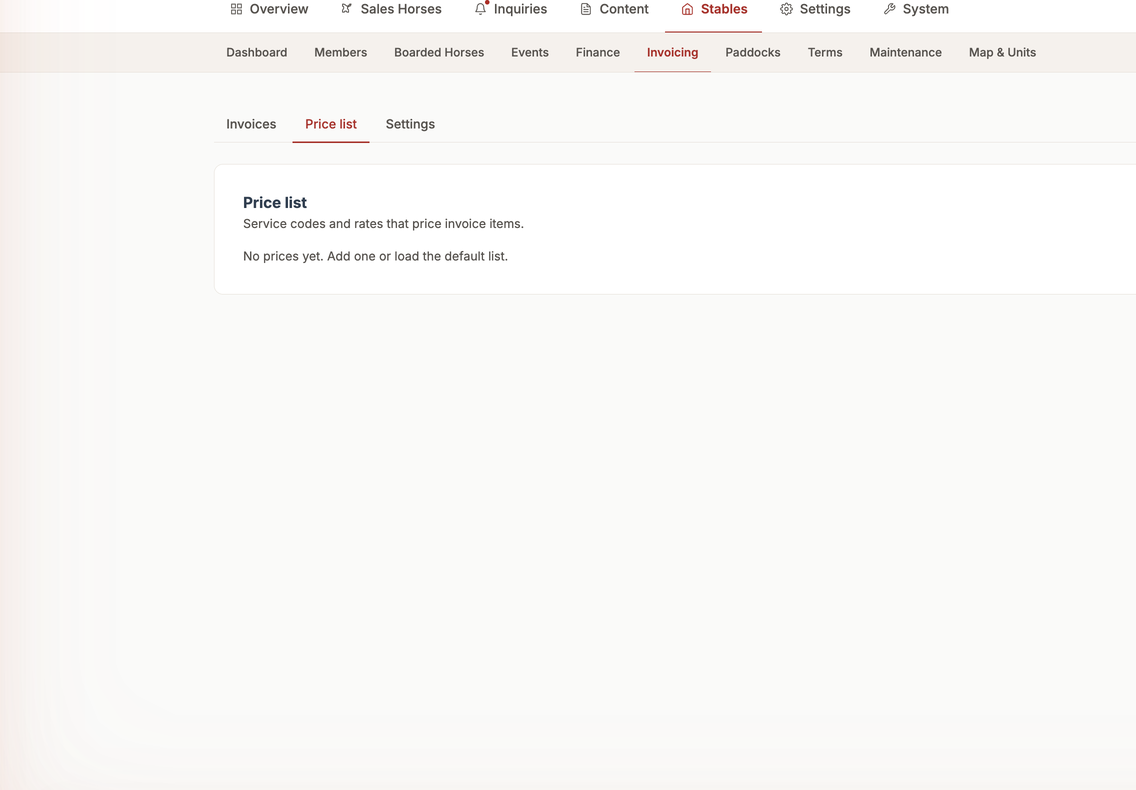
📍 Find this in the app: Admin Panel → Stables → Invoicing → Price List (
/admin/stables/billing/prices)
The Service Catalog is your stable's price list. It defines what you charge for everything from basic boarding to farrier visits and extra services.
1. Adding a Service (Create)
To add a new service to your stable's offerings, click "Add Service".
Here is what each field means:
- Service Name: What you call the service (e.g., "Full Boarding", "Arena Rental", "Shavings").
- Price: The cost of the service before tax.
- Unit of Measure: How often or in what quantity it is billed (e.g., "per month", "per hour", "per bag", "per visit").
- VAT Rate: The specific tax rate that applies legally to this service (e.g., 21% for standard services, 6% for certain feeds).
- Category: Grouping the service (e.g., "Boarding", "Health", "Lessons") to keep reports organized.
2. Viewing Services (Read)
You can view your entire catalog as a simple list. This lets you quickly check the prices of all active services at a glance.
3. Changing a Service (Update)
If your prices go up at the start of a new year, you can easily change them.
- Click on the service you want to update.
- Click "Edit".
- Change the Price or VAT Rate.
- Click "Save".
(Note: Future automation will allow you to import entire price lists from Excel, but currently prices are updated one by one.)
4. Removing a Service (Delete)
If you no longer offer a certain service (for example, you stop renting out your trailer), you can delete it.
- Open the service details.
- Click "Delete".
- The service will be removed from your catalog and cannot be added to future invoices.