Clinics
📍 Find this in the app: Admin Panel → Content → Page Editor (
/admin/page-editor) — add a block and pick Clinics.
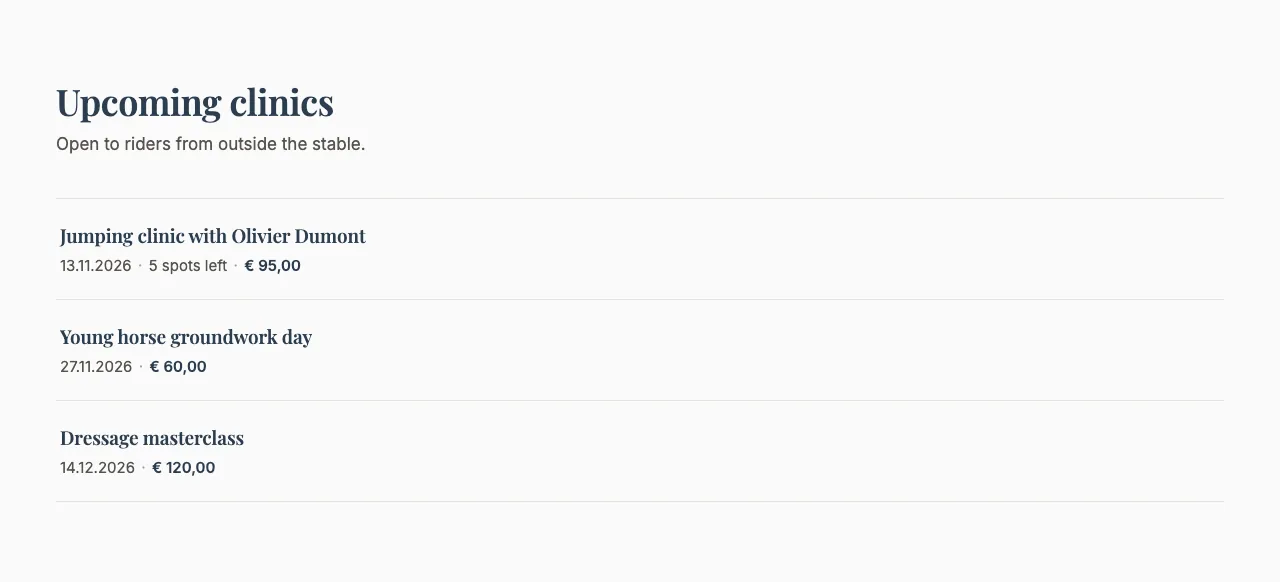
Shows your upcoming public clinics, with the earliest date first, so visitors can find and register for them. It shows at most 5 clinics. A clinic appears here when you tick Make this a public clinic on an event (Admin Panel → Stables → Events). When there are no upcoming clinics, the block shows a short "No clinics so far" message.
This is how the block looks on a stable website (example content):
PRO feature
This block needs the Public Clinics feature and a PRO subscription. Without them, the block stays hidden on your website even if it's on the page.
Content
- Heading and Description: Optional introduction above the clinics.
Settings
- Display style:
- Editorial (typographic index list): A clean list of clinics with large dates and titles.
- With photo (image beside the list): The same list with a photo beside it.
- Image, Image description and Image framing — With photo only: The photo beside the list, a short description of it for screen readers and Google Images, and which part stays in view when it's cropped (Show top, Centre or Show bottom).