Image Gallery
📍 Find this in the app: Admin Panel → Content → Page Editor (
/admin/page-editor) — add a block and pick Image Gallery.
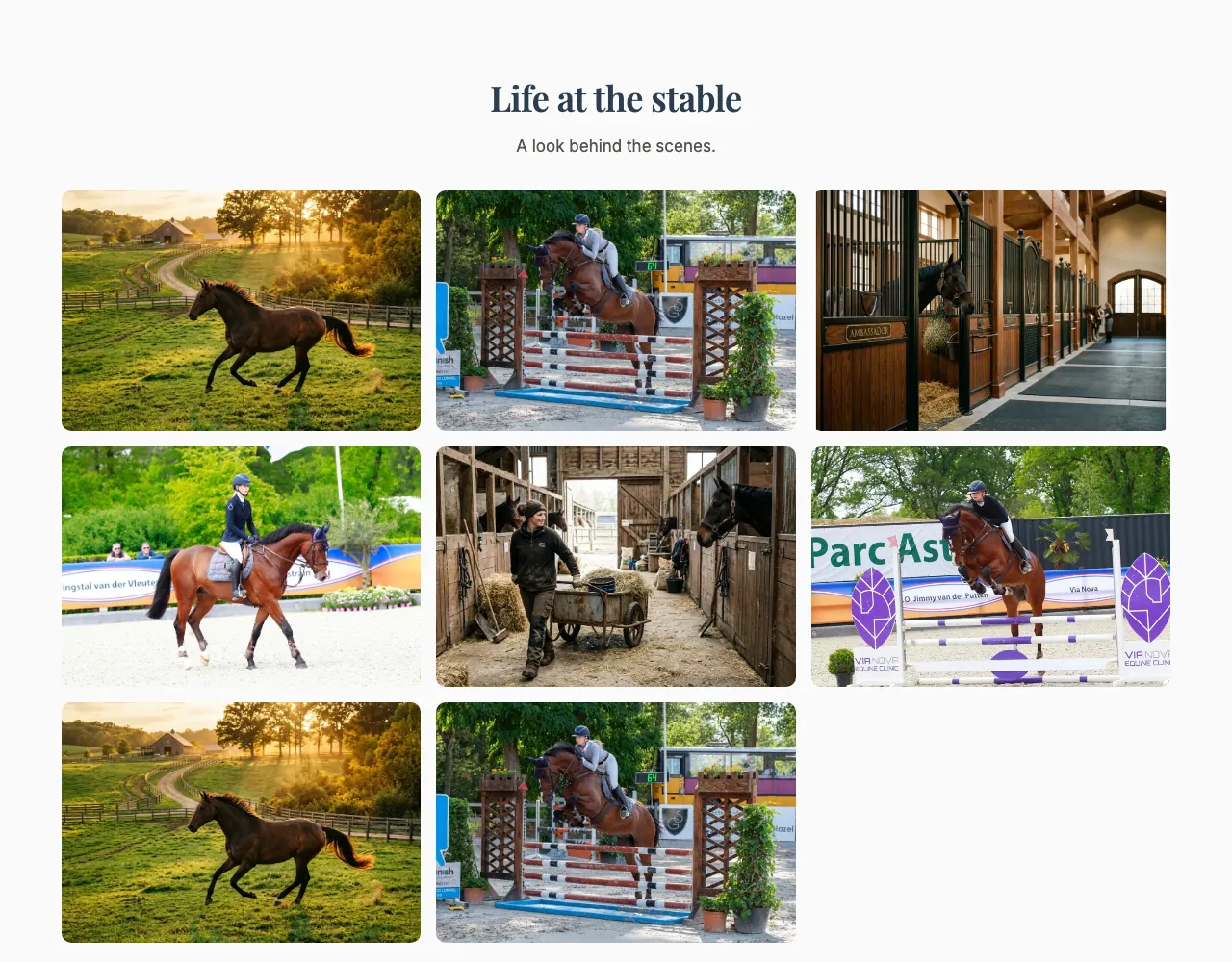
A set of photos shown together — your stable, your facilities, a show day. Visitors can click a photo to see it full screen.
This is how the block looks on a stable website (example content):
Content
- Heading and Description: Optional introduction above the photos.
- Images: Click Add images to upload up to 10 photos (you can select several at once). For each photo:
- Alt text (for accessibility & SEO): A short description of the photo, for visitors using screen readers and for Google Images.
- Use the up and down arrows to change the order, and the bin icon to remove a photo.
Settings
- Layout style:
- Card grid: All photos are cropped to the same size, in neat rows.
- Masonry (variable heights): Photos keep their own shape and fit together like bricks.
- Featured (first image large): The first photo is shown large, with the others smaller around it.
- Number of columns: How many photos sit next to each other on a computer screen: 2, 3 or 4.
- Image framing: Show top, Centre or Show bottom — which part of each photo stays in view when it's cropped.
- Enable fullscreen view: When on, clicking a photo opens it full screen and visitors can browse through all photos.